

Understand a letter or bill
Add the page and ask what it means. Orbit explains the wording and helps you find the next step.
Meet Orbit
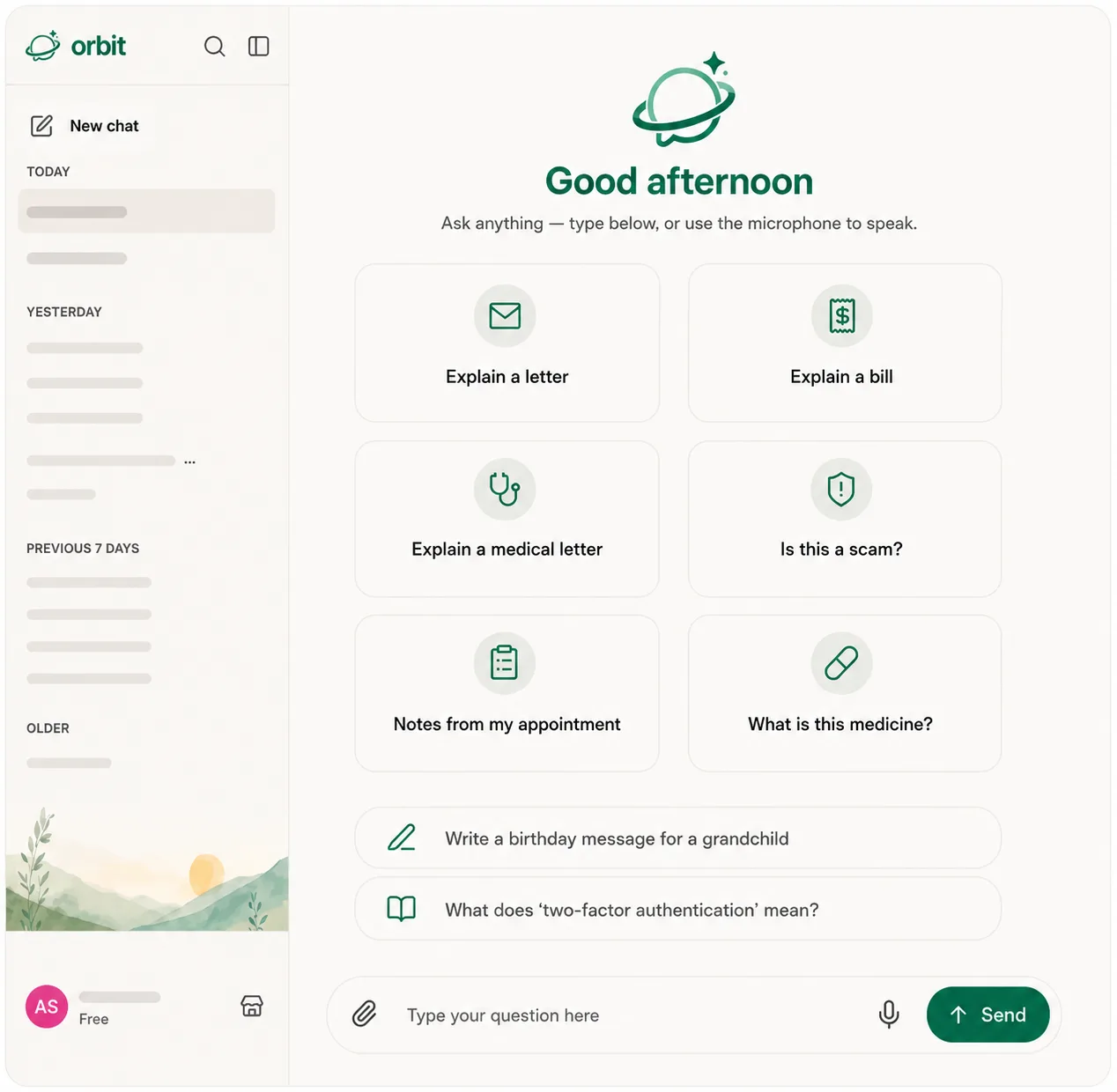
Large text, clearly labeled controls, and guided questions make Orbit easy to use from the very first message.
Free plan available. For Mac, Windows and Linux.

Try it
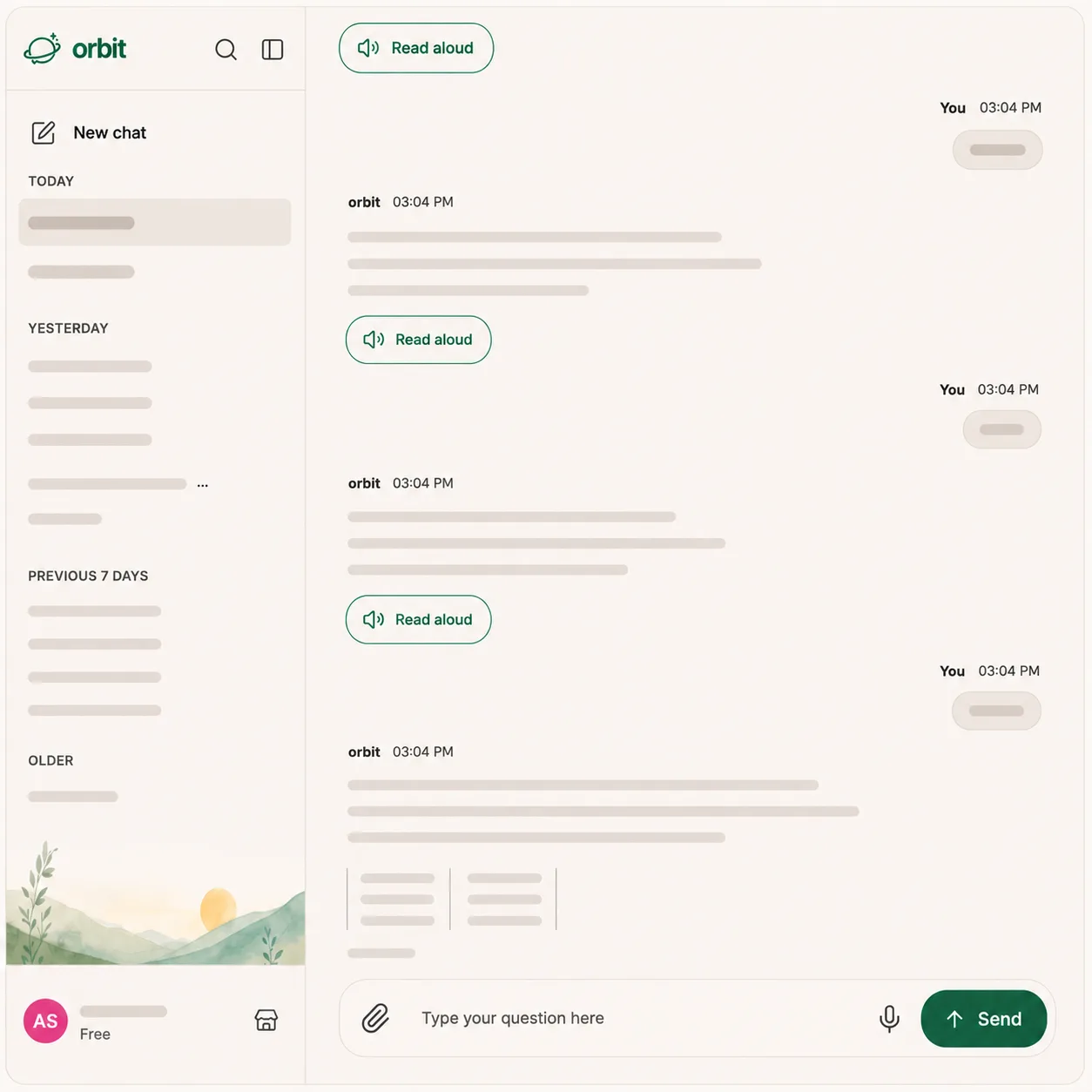
Type a question, or tap one below. Press Read aloud to hear any answer, and use A− / A+ to make the words bigger.
See it work
Paste a text or email you’re unsure about — or tap an example — and Orbit points out what looks risky, in plain words. Nothing you type here leaves the page.
Plain words
Paste a confusing line from a letter, bill, or form — or tap an example — and Orbit highlights the tricky words and says what each one means.
What it helps with
Add the page and ask what it means. Orbit explains the wording and helps you find the next step.

Paste a text or email. Orbit points out common warning signs before you click or reply.

Say who it’s for and what you want to share. Orbit turns your words into a message you can edit.
Nothing happens without you

Choose a common task such as explaining a letter or checking a suspicious message, or write your own.

Recording, uploading, sending, and answering each show a clear status on screen.

Tap the microphone, say your question, then tap stop. Orbit sends it for you, and your words appear in the conversation so you can see what it heard.
A look inside
Plain and honest

Orbit uses trusted third-party AI services to answer questions. We do not sell your chat contents to advertisers. AI can make mistakes, so please check important medical, legal, and financial decisions with a qualified professional.
Get Orbit
Free plan available. Choose your computer below.

New here? Open Orbit and it walks you through the first few minutes, out loud.